First drafts are 80–95% accurate to final quantities

AI does the lumber takeoff in hours, not days.

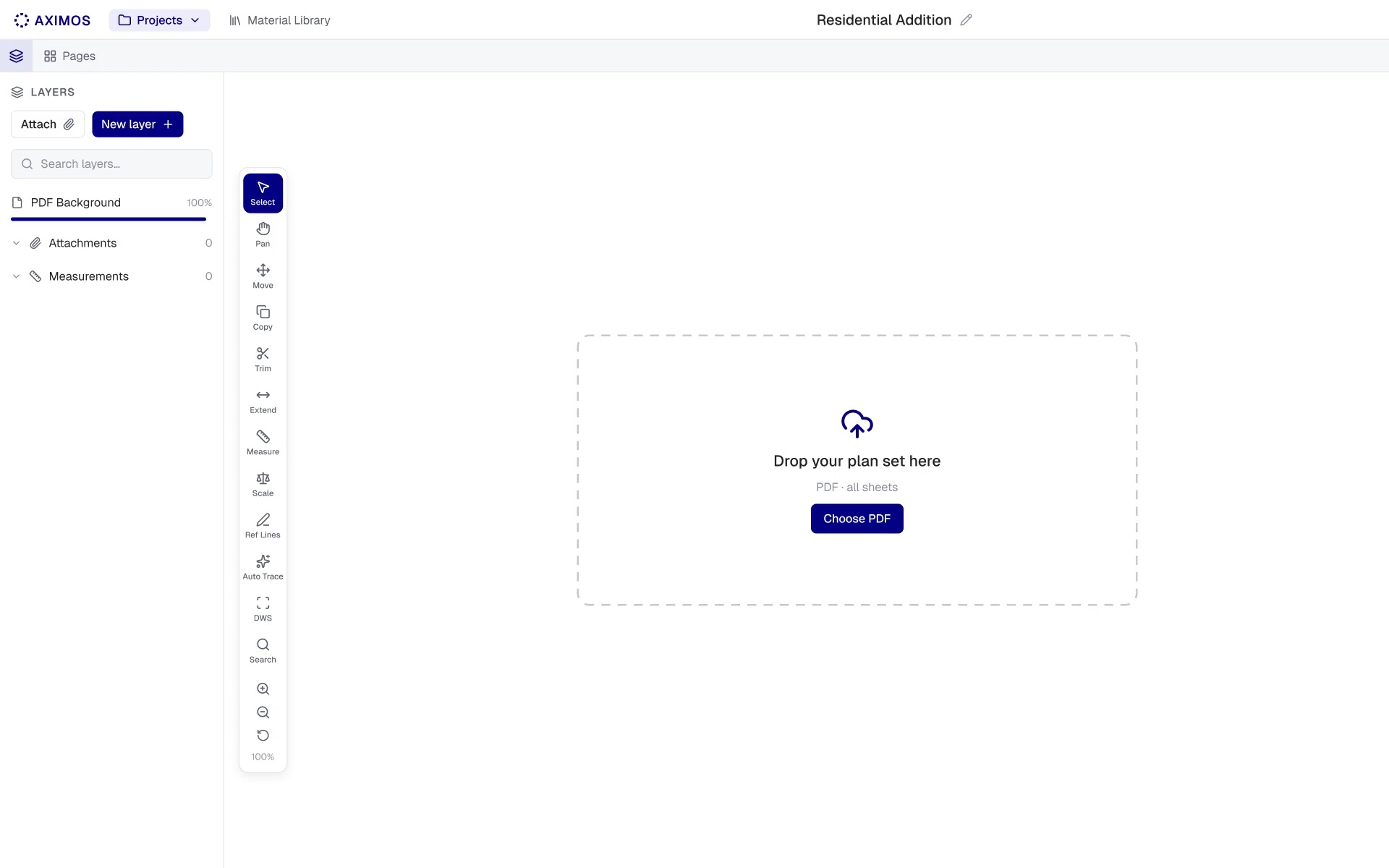
Upload a plan set. Aximos traces the framing and builds the material list, with every quantity tied back to the plan.

How it works

Upload the plan set.Drop in the PDF — no setup, no templates.

Carport addition · Permit set20 pages

Scale set on 6 sheets
  • OPENED1/4" = 1'-0"

    14A101 · Floor 01 Plan

  • 1/4" = 1'-0"

    15A102 · Roof Plan

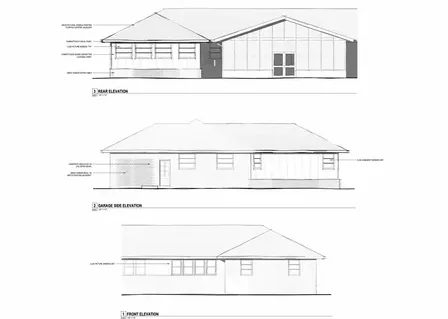
  • 16A201 · Exterior Elevations

  • 3/4" = 1'-0"

    18A310 · Wall Sections

  • 1/4" = 1'-0"

    5S200 · Foundation & Framing

  • 1/4" = 1'-0"

    6S210 · Ceiling Framing

  • 1/4" = 1'-0"

    7S220 · Roof Framing

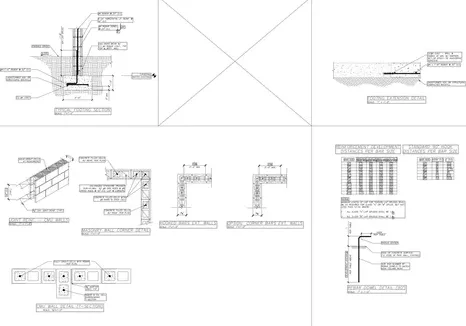
  • 9S300 · Sections & Details

Scale set on every sheet.

Each plan is calibrated from its printed scale, so lengths are measured, not guessed.
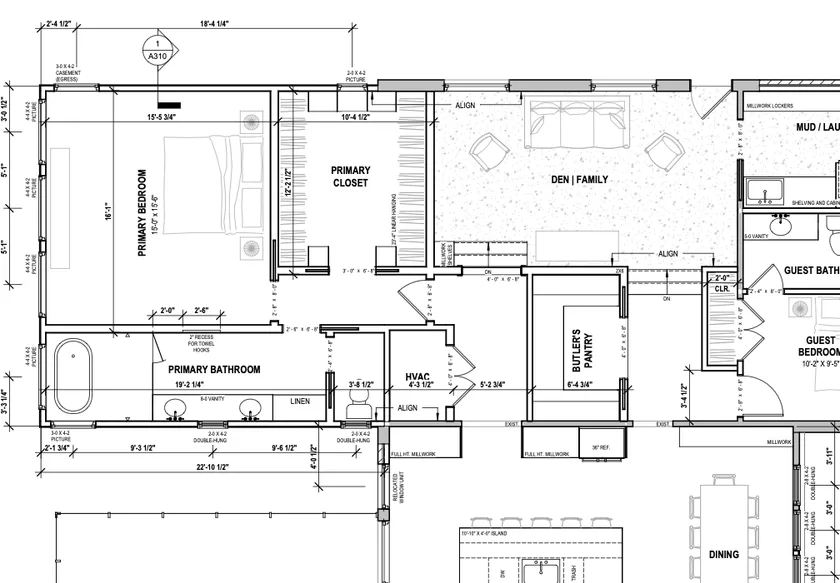
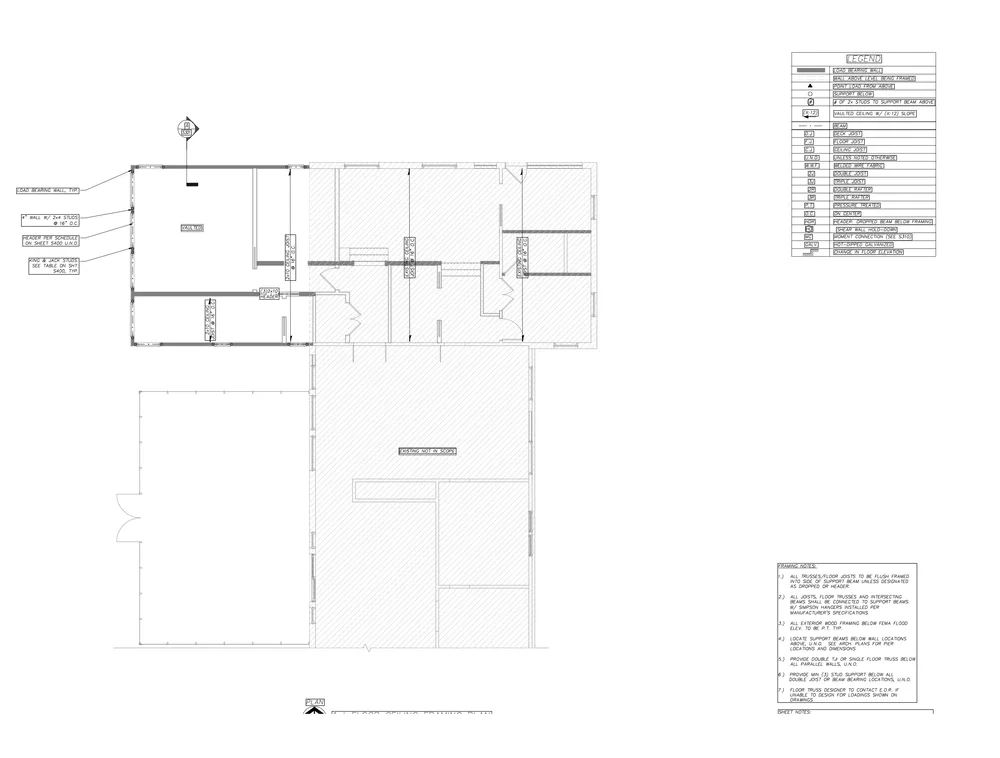
Trace the plan, read the rest.

The AI traces only the drawing, and reads the legend, notes and sections for what the lines don’t say.
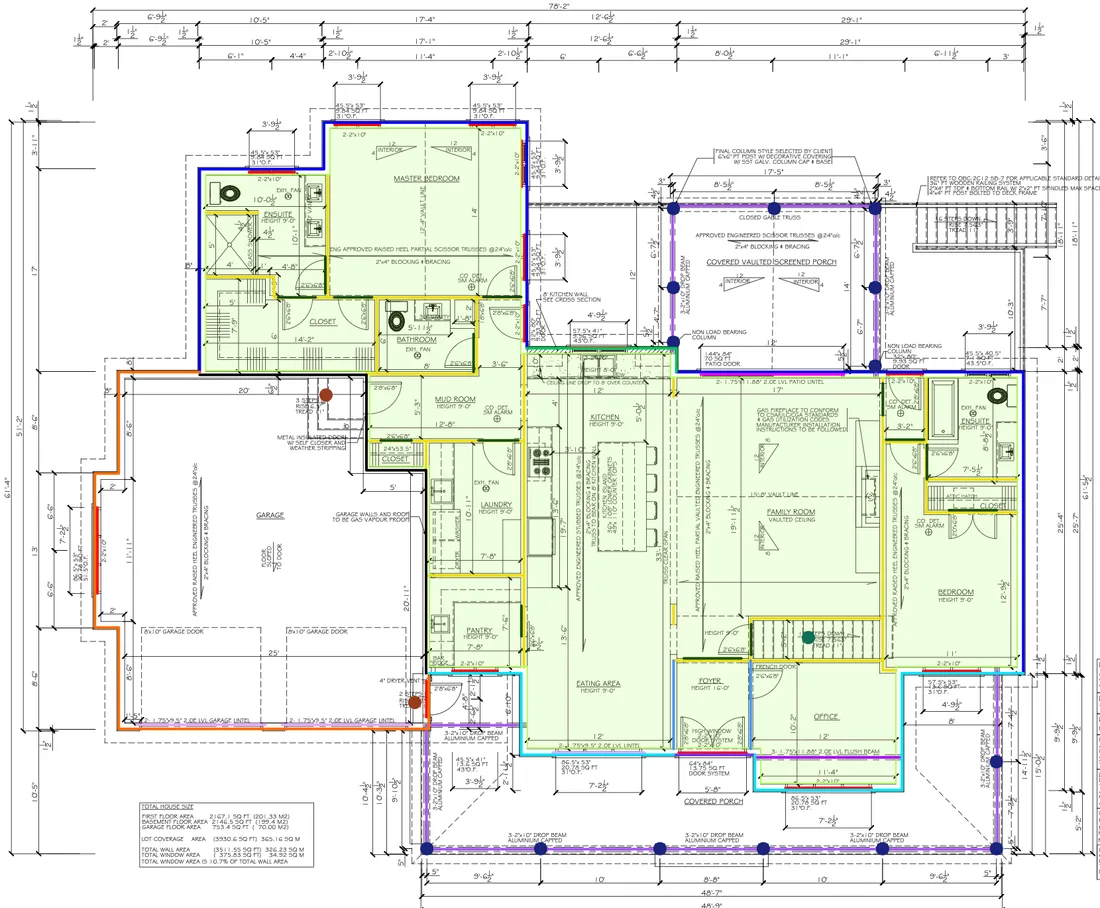
The AI drafts the takeoff.Traced and listed in 2–6 hours.

Layers

Main Floor · A218

  • Exterior WallsLinear121'7" LF
  • Interior WallsLinear206'0" LF
  • Headers — MainHeaders16 EA · 68'1"
  • Garage Separation WallLinear44'0" LF
  • FloorArea1,973 SF
  • Foundation · A123
  • Roof · A317
  • Floor System · A13
FoundationMainRoofA2Main floor

Every number shows its math.

Each quantity carries its formula — wall length, spacing, corners, waste — so you can check it line by line.

Waste and stock lengths built in.

Framing lumber comes out by stock length, with waste already added.

Check it in one workspace.Every number links to its trace.

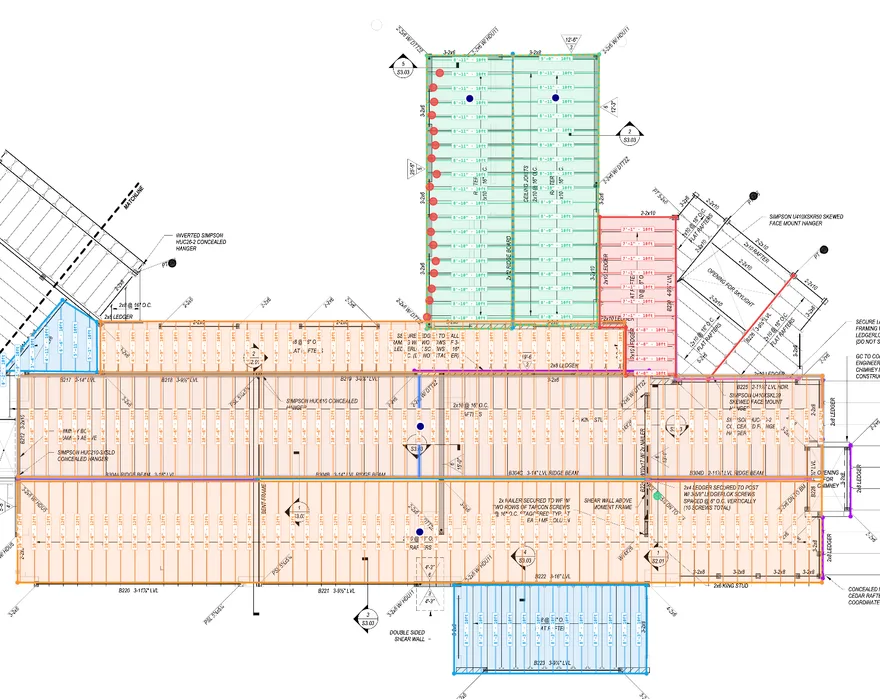
Roof framing · 5 layers traced
Review resultsWalkList
4 of 22 reviewed

Needs your attention (3)

  • !Skylight opening — skewed flat rafters not traced yet
  • !Chimney opening at B228 — no header traced
  • !Ridge beam B304 changes size along its run (A–D)

Roof framing

  • 2x12 Rafters · 92 EA
  • 2x8 Rafters · 42 EA
  • 2x10 Rafters · 50 EA
  • 2x12 Rafters · 20 EA
  • 11 7/8" LVL Beam · 6 EANo stock length

Assumptions, with the sheet they came from.

Where the plans leave something open, the AI says what it assumed and cites the sheet.

Ask Aximos AI.

Ask why a number is what it is — the answer points to the sheets behind it.

Send the list.Export the approved list to CSV or Excel.

Material List 1· 3 sheets · 131 rows

ApprovedExport
MaterialLayerUnitQtyWasteTotal

Level 1 · Framing — Main

2x6x104 5/8 in Pre-Cut StudExterior WallsEA9410%103
2x6x16 Framing LumberExterior WallsEA2210%24
CDX Ply 4x8 1/2Exterior WallsEA2910%32
2x6x8 Framing LumberHeaders · 6in wallEA7610%83
2x12x10 Framing LumberFloor JoistsEA2610%29
2x12x14 Framing LumberFloor JoistsEA1410%16

Roof

2x8x14 Framing LumberRafters (4:12)EA3010%33
OSB 4x8 - 1/2RoofEA4212%47

Built on your material library.

Quantities land on the products you already stock, by the names you use.

One click to Excel or CSV.

The same list you reviewed is the list you send.

What to expect

An honest first draft, with the proof attached

80–95%

Accurate on the first pass

First-draft quantities typically come back 80–95% accurate to final. A starting point, not a finished bid.

1 workspace

Draft, check, fix, list

The AI draft, your checks, your fixes and the material list stay in one place. Fix a line and the list updates.

2–6 hours

Back the same day

Draft and material list back the same day.

Built to fit

No rip-and-replace. Aximos works with what you already use.

Onboarding

If you can use Excel, you’re ready.

Aximos is a spreadsheet plus a layered takeoff, with AI doing the heavy lifting. Pen-and-paper estimators are productive on day one.

Material library

Your catalog, your names.

Bring your material list. AI maps it to your own SKUs, so the takeoff reads the way your yard quotes.

ERP connection

Want it in your ERP? Let’s talk.

ERP connections are worked out case by case. Tell us what you run and we’ll look at getting takeoff quantities into your quotes. Until then, export the list to Excel or CSV.

Estimating rules

Set the rules the way you estimate.

Save presets for stud spacing, corners, waste and stock lengths. The AI drafts every takeoff with your rules.

Manual tools

Trace it yourself, anytime.

Joists, rafters, headers and plates. Take over any part of the draft by hand in the same workspace, or do the whole job manually.

Compare

How Aximos is different

How Aximos is different: Aximos compared with Togal.AI, STACK, PlanSwift, Bluebeam Revu, Outsourced
AximosTogal.AISTACKPlanSwiftBluebeam RevuOutsourced
Upload plans, get the takeoffThe AI traces the whole plan set in one runUpload once, the AI traces it allPartly: You run the AI each timePartly: AI first pass, upper plansPartly: Auto Takeoff toolPartly: A person, over days
Material list from the tracingStuds, plates, headers, sheathingBuilt for you, every line tied to its tracePartly: From assemblies you set upPartly: From assemblies you set upPartly: From assemblies you set upPartly: A file, not tied to the plan
Built-in QA/QCFlags gaps, like an opening with no headerEvery takeoff is checked
Built for lumber and framingEverything a lumber yard sellsPartly: Multi-tradePartly: Multi-tradePartly: Multi-tradePartly: Depends who you hire
Runs in the browserNothing to installPartly: Desktop, plus web—
PriceList prices, roundedSubscription plus a per-project fee, shown before you run$299 / user / mo, billed yearlyFrom $249 / user / mo$2,000–3,000 / seat / yr$260–590 / user / yrAbout $200 per takeoff

Competitor details and list prices from each company’s own website, September 2026. Outsourced price is a typical freelance rate. Togal.AI, STACK, PlanSwift and Bluebeam are trademarks of their owners. See something out of date? Let us know.

FAQ

Frequently asked questions

How accurate is the AI takeoff?

The first draft typically comes back 80–95% accurate to final quantities. AI can always get something wrong, so treat it as a strong starting point that you verify, not a finished bid.

How do I check the AI's work?

Click any quantity and Aximos shows the lines it traced on the plan. Fix anything that's off and the material list updates.

Where does each quantity come from?

Every number is tied to specific tracing on your plan set — so you, or your customer, can see the source of any count.

Can I do the takeoff manually instead?

Yes. You can trace any section yourself in the same tool, or do the whole takeoff manually if you prefer.

How long does it take?

Typically 2–6 hours for the draft and material list, and never more than a day. Larger or more complex plan sets take longer.

How is it priced?

Manual takeoff is a subscription. AI takeoff is a subscription plus a per-project fee that scales with the size of the plan set, and you see that price before you run it.

Start from a finished draft.

Upload a plan set and see the takeoff — and the proof — for yourself.